
Images open instantly
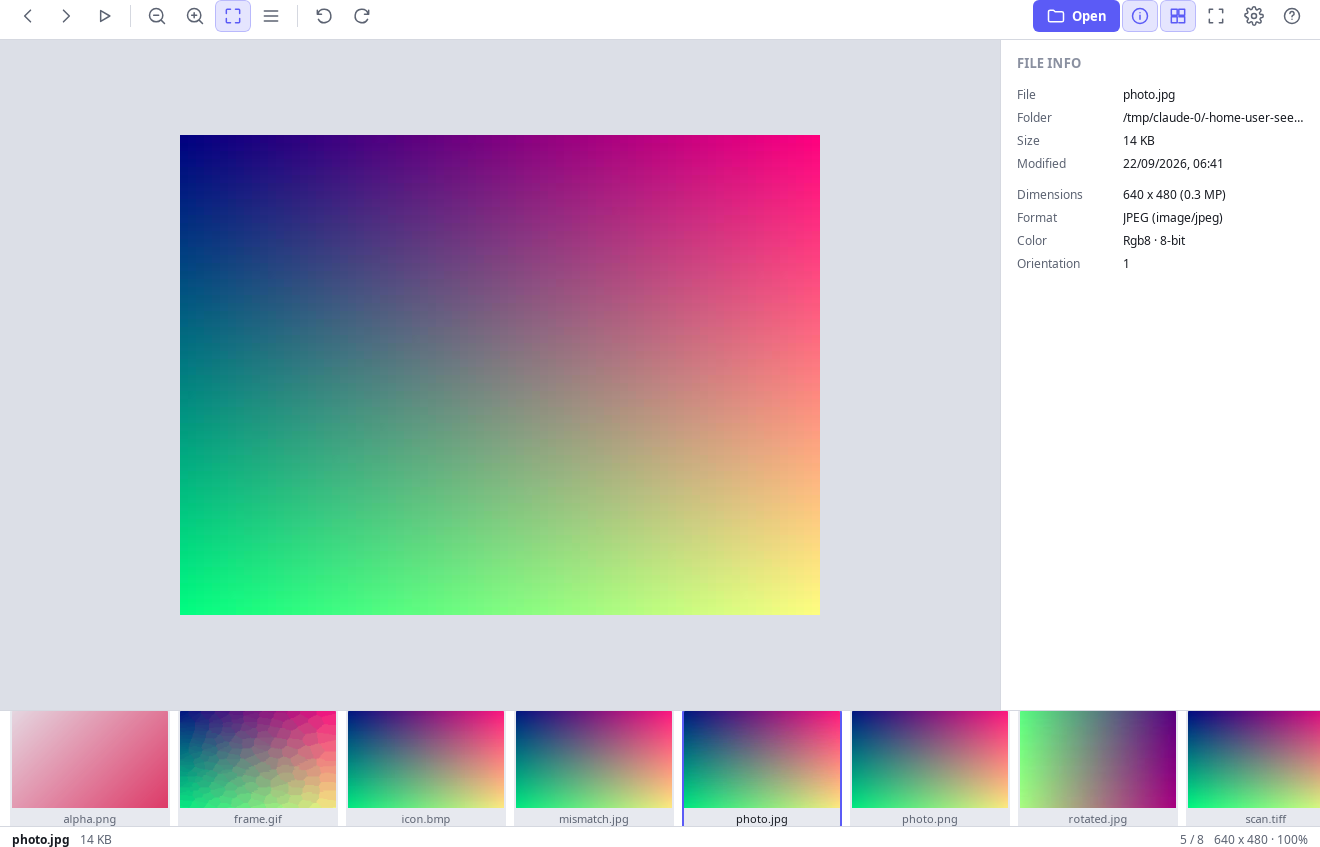
JPEG, PNG, WebP, BMP, GIF and TIFF. Wheel to zoom, drag to pan, fit or actual size, rotate, full screen. Photos are turned upright automatically from their EXIF orientation.
A viewer for images, PDFs and videos that shows your file and nothing else. No account, no toolbar smuggled in with an update.
Free forever · No sign-up · Nothing is uploaded
Off in the app until you switch them on. Never in the installer, never bundled software.
Install and open a file. There is nothing to sign up for.
Background removal and text recognition run on your computer. Nothing is uploaded.
Phase 1 is finished: open, view, navigate and search. Everything below works now.
JPEG, PNG, WebP, BMP, GIF and TIFF. Wheel to zoom, drag to pan, fit or actual size, rotate, full screen. Photos are turned upright automatically from their EXIF orientation.
The folder is read once, then sorted the way a person reads it: IMG2 comes before IMG10. A filmstrip of cached thumbnails sits under the image.
Continuous pages, a page thumbnail sidebar, fit-width and fit-page. The text layer is real text: select it, copy it, and find in document with highlighted matches.
Dimensions, colour depth, camera, lens, exposure and the full EXIF table for images; page count, size, author and version for PDFs — plus whether a PDF is text or a scan.
The interface follows your system theme and switches language without a restart.
A damaged image or an unparsable PDF produces one clear sentence. It never takes down the program, and it never shows you a stack trace.
This is a property of the build, not just a promise in a policy. Your files are processed on your computer and never uploaded, and the page the interface runs in cannot load anything from a remote address. The program goes online only when you ask it to - for an optional AI model, or sponsored pictures you switch on - and even then sends no file, file name or personal data. A file becomes readable only after you point at it: through the dialog, a drop, or opening it with UFDI from Explorer.
Built in order. A phase ships when it works in real use, not when it compiles.
Yes. There is no paid tier and no subscription. The program shows sponsored pictures only if you switch them on, and the website may show ads. The source is public under the MIT licence, so you can check that for yourself.
No. That behaviour is the reason this program exists. The installer contains the viewer and nothing else.
No. Your files - including photos you remove a background from or read text in - are processed on your computer and never uploaded. The program goes online only for an optional AI model you choose to download, or for sponsored pictures you switch on, and sends no file or personal data. You can confirm it by reading the source or by watching your firewall.
Yes. Cropping, resizing, rotating and exporting, batch conversion, one-click background removal and text recognition in photos are built in and run on your computer. Text recognition in scanned PDFs and PDF page tools come next, as the roadmap above shows.
Windows 10 and 11. About 11 MB.
Every release is built in public by GitHub Actions, so the installer you download matches the source you can read.